Before Launch
Once an Auto-Launch is scheduled by your platform administrator, you will be notified via email and the Marketing Hub. You can then edit the campaign to further customize it or update the scheduled launch date. You can find auto-launch campaigns automatically added under your My Campaigns list.
After Launch
Auto-Launch campaigns are similar to any other campaigns. If you need it for whatever reason, you can stop a campaign after it's launched.
Disabling Auto-launch Type
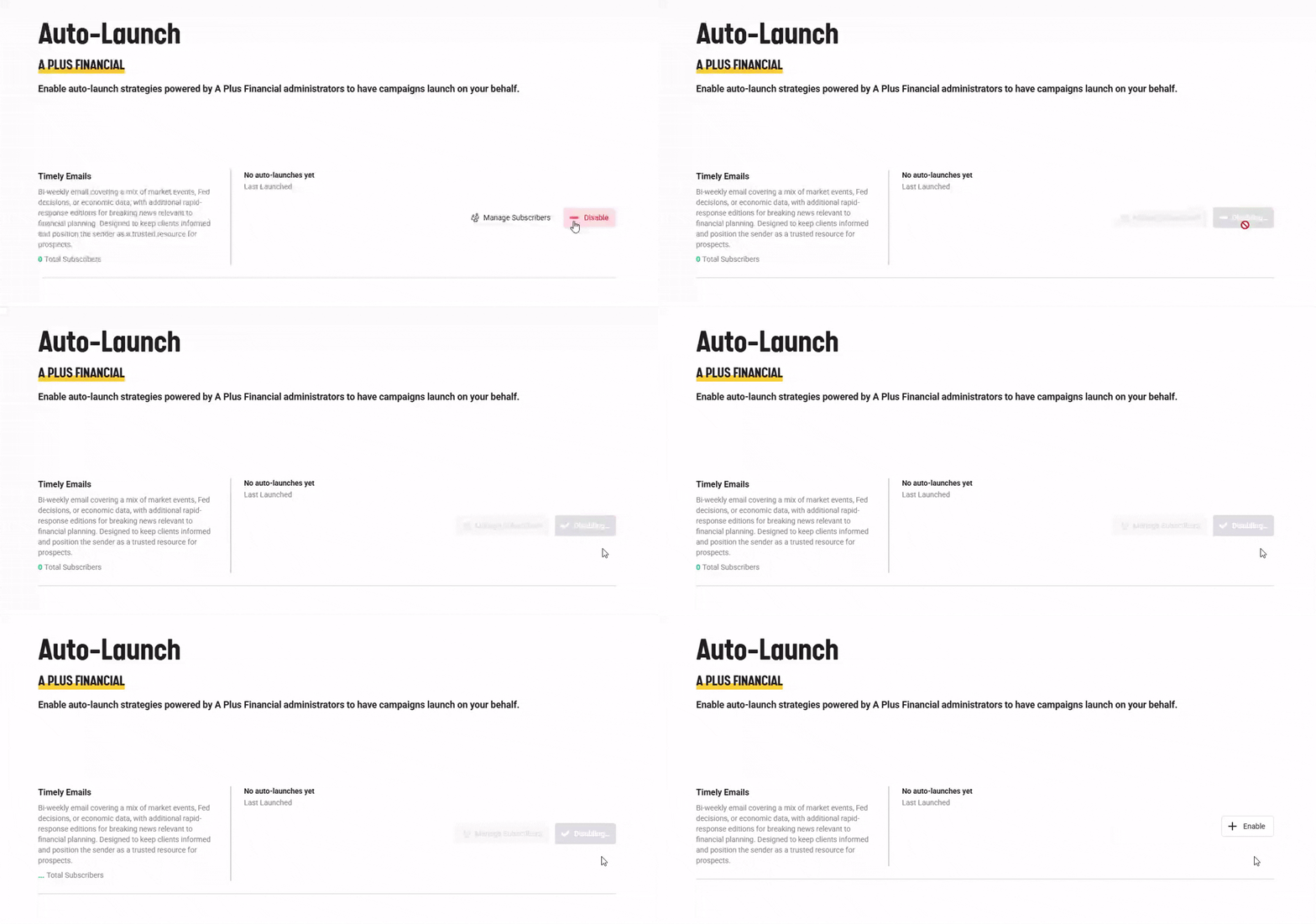
If you would like to opt out of the auto-launch:
- Return to the Auto-Launch tab.
- Hover over the Enabled button.
- Click Disable