Here are some tips for routing prospects to schedule appointments with you via an online app like Calendly.
Dynamic Lead Follow-Up Prospect Engagement Campaign
Use the "Button Link" field on the Appointment Confirmation Page:

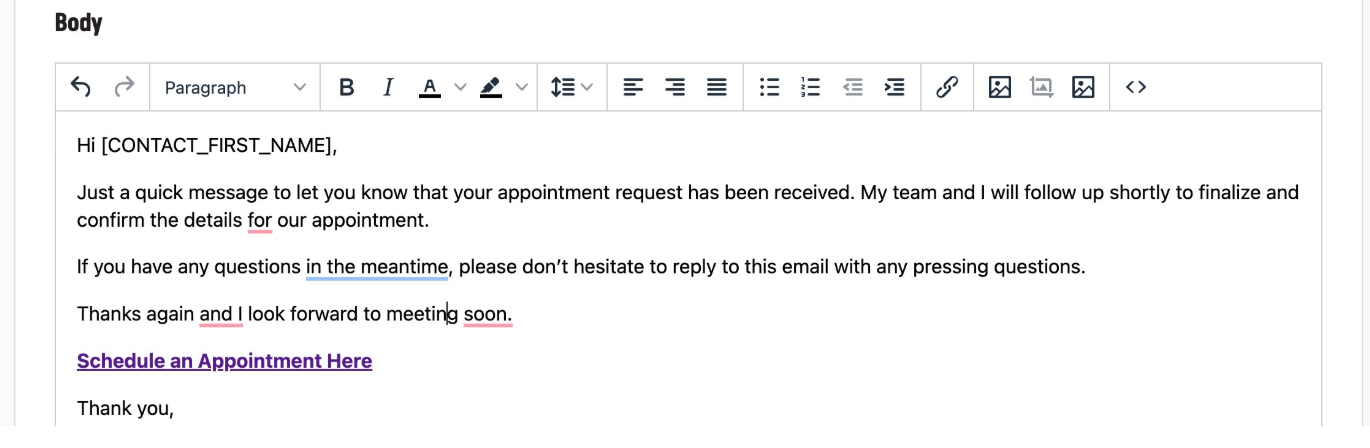
You can also add a hyperlink to the Appointment Confirmation Email:
Lead Generation Campaigns
Use the "Button Link" field to the Appointment Confirmation Page:

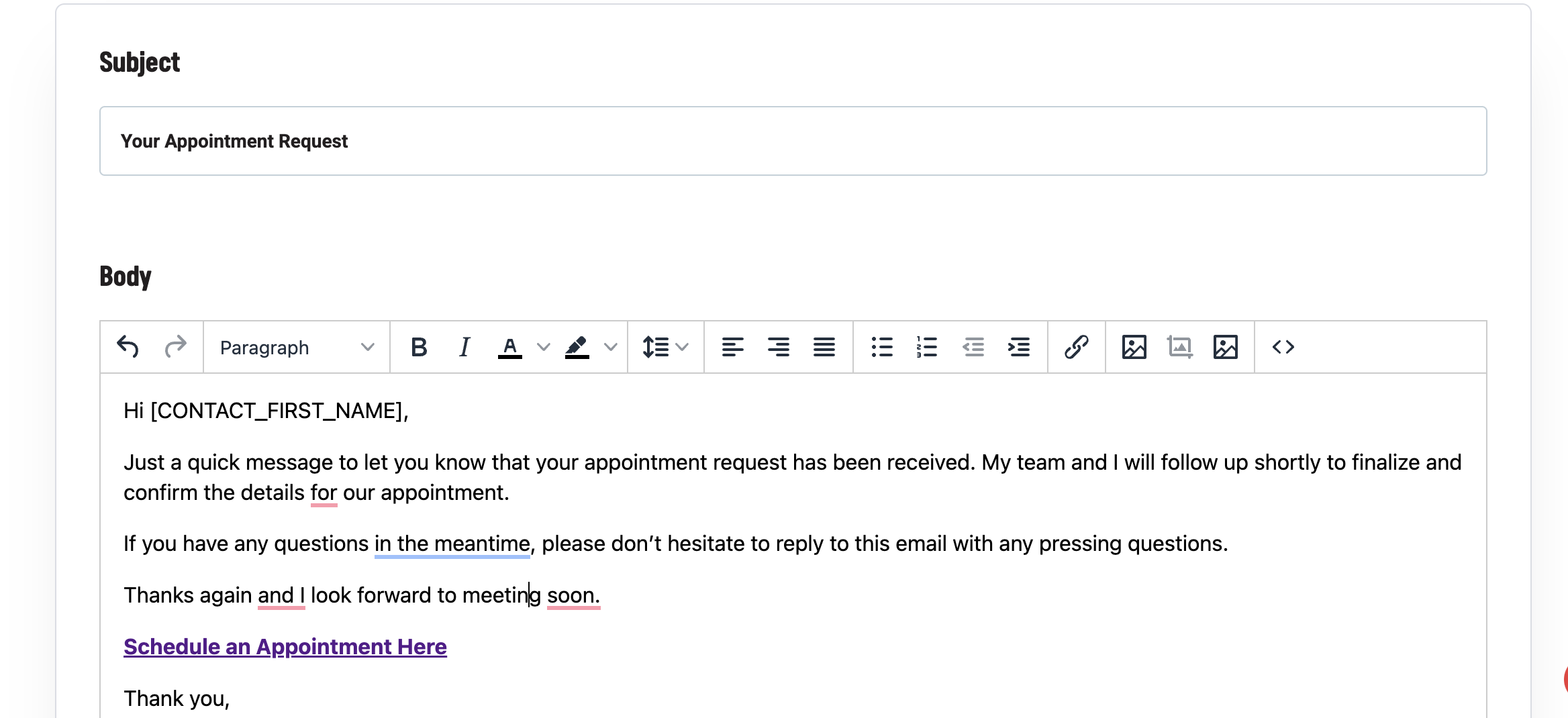
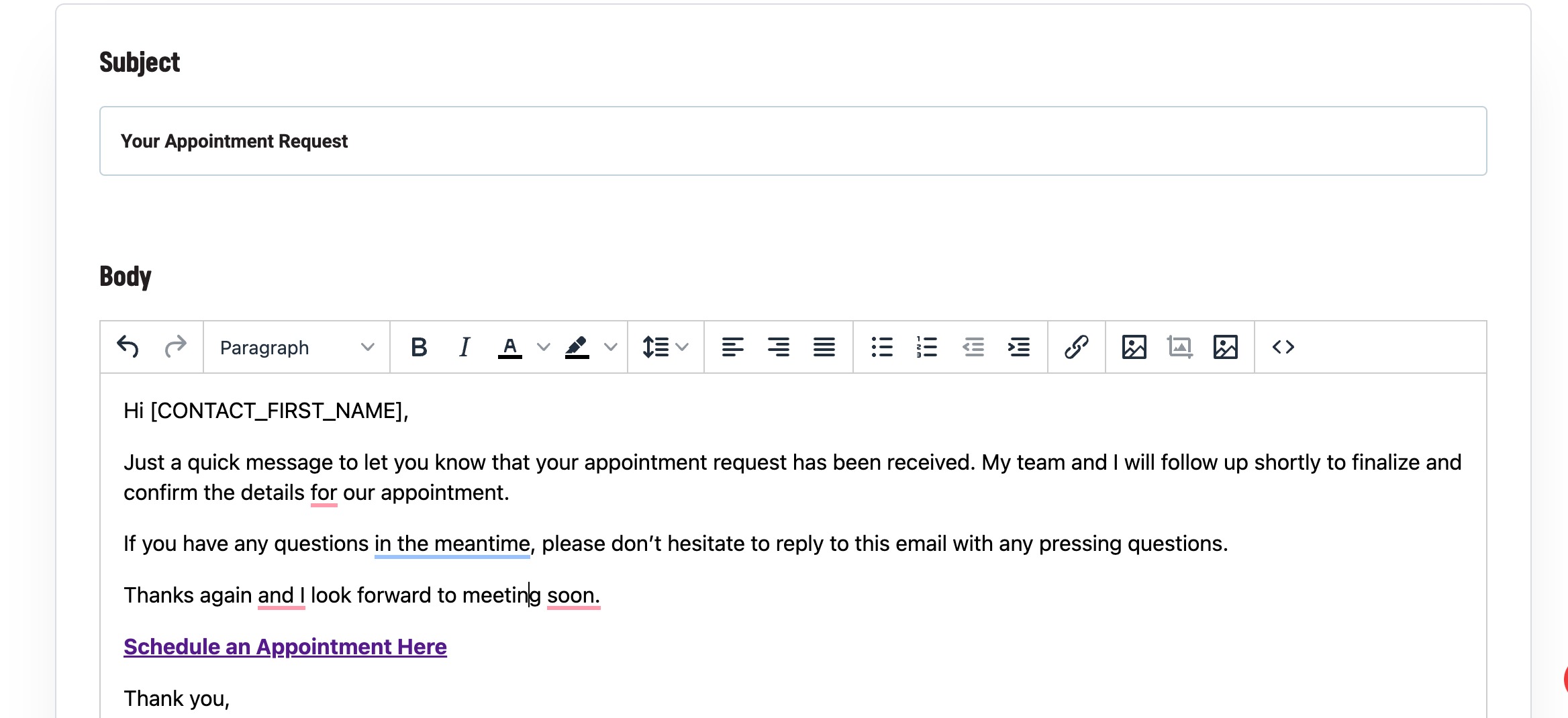
You can also add a hyperlink to the Appointment Confirmation Email:
Personal Connection Videos
Add a hyperlink to the Question Confirmation Email:

Personal Connection Videos - Appointment Offer
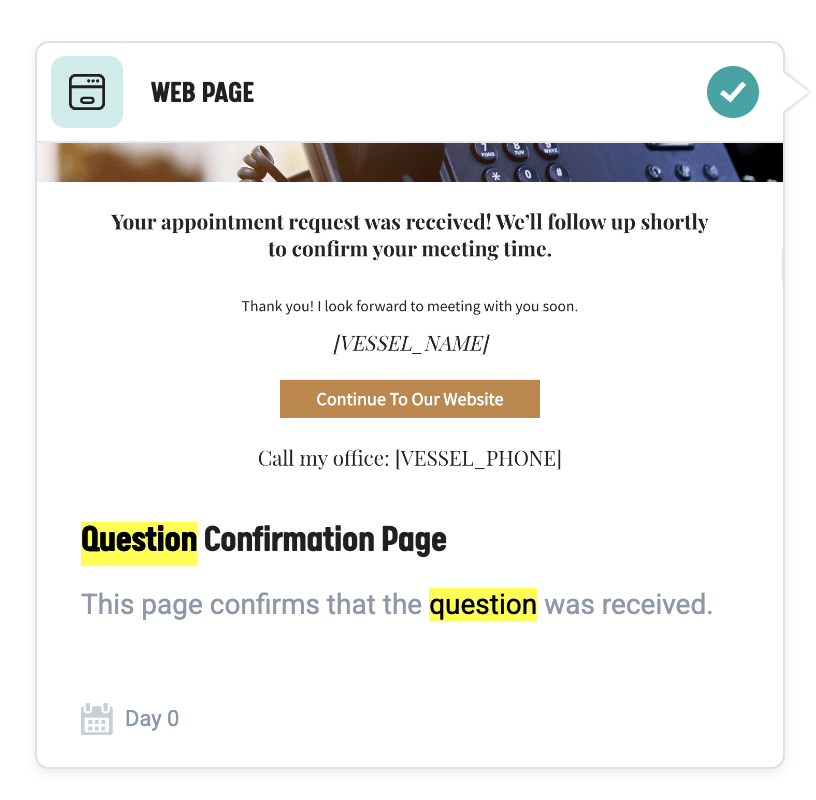
Use the "Button Link" field to the Appointment Confirmation Page:

New Prospect 8-Week Nurturing Campaign
Add a hyperlink to the Thank You Page:
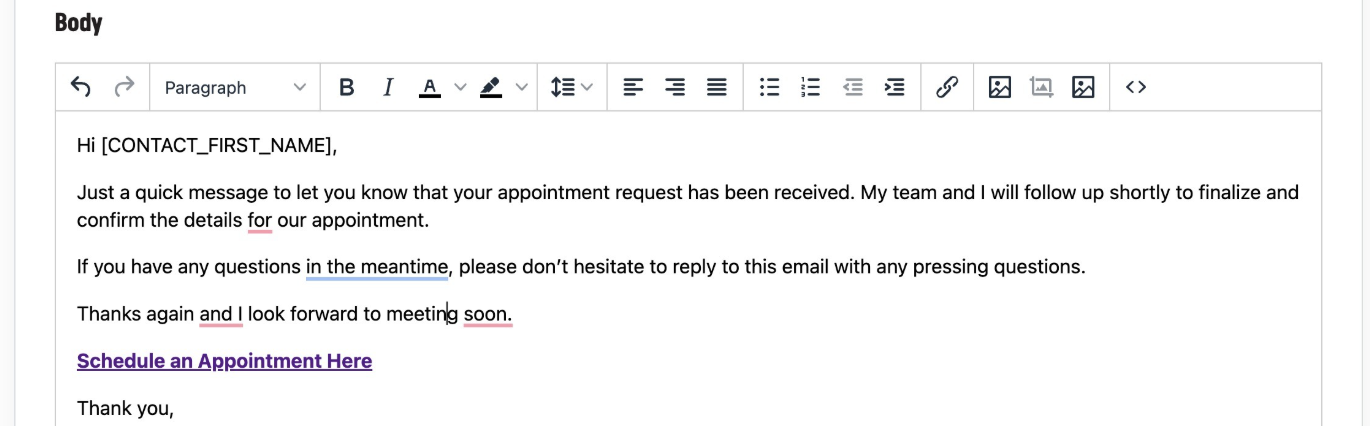
Nurturing Email Series
Add a hyperlink to the Appointment Confirmation Email:
Social Prospecting Campaign
Use the "Button Link" field to the Appointment Confirmation Page:

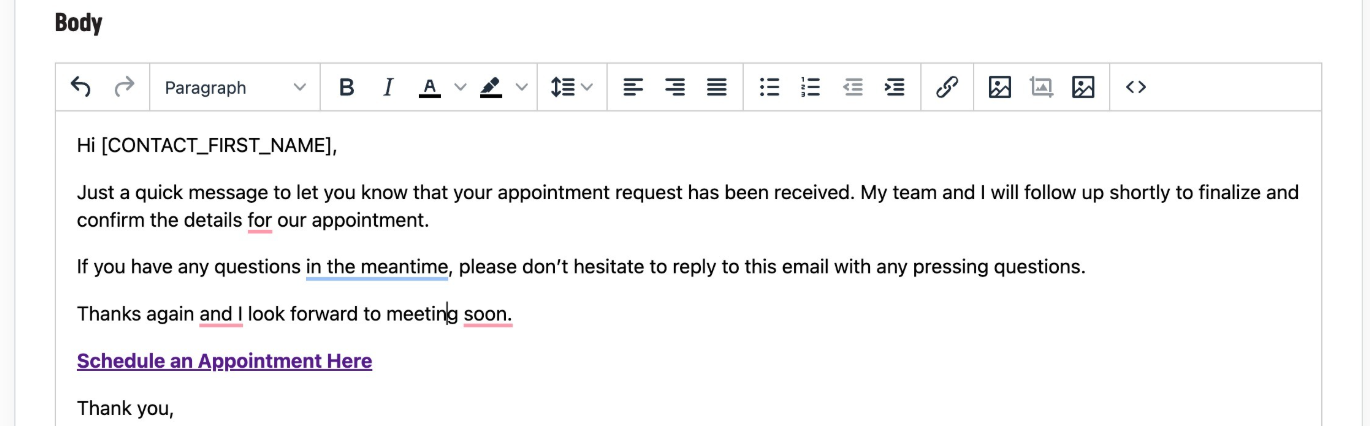
You can also add a hyperlink to the Appointment Confirmation Email: