
Snappy Kraken products may be connected to a compliance workflow. This means that content must be submitted to your compliance team before they are launched.
For a full walkthrough of the compliance process on Campaigns, click here.
Where to generate the compliance PDF
Go to your account icon in the top right corner of the dashboard and select My Profile in the dropdown menu.
On the profile page, you will be prompted with one of two options.
- Submitting or Downloading for Approval
- Submit For Approval: If your broker-dealer is integrated with our compliance system, you’ll see a single button to submit your profile for approval. Once submitted, your business information will be locked and cannot be edited until the profile is unlocked.
- Download Profile: If you submit your profile manually, you’ll be able to download a PDF copy to send to compliance. After the PDF is generated, your business information will be locked and cannot be edited until the profile is unlocked.
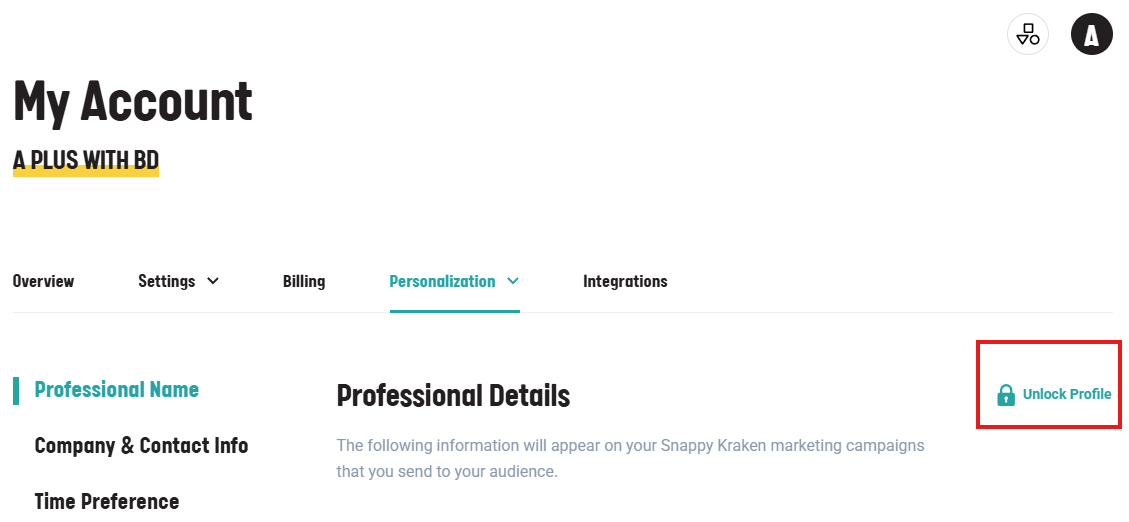
- Unlock Profile: This option unlocks your business details so changes can be made. While the profile is unlocked, access to the rest of Snappy Kraken will be restricted, meaning you won’t be able to launch or edit campaigns until the profile is approved again.
If you have verified that your submission was approved and your compliance team has approved it inside Snappy but still encountering issues, please contact us for further assistance.